Summarize using AI





Prompt copied. Paste it into Gemini.
Listen to this article
Quick Answer

ADA compliance depends on which part of the law applies to you. Title I covers employment practices for businesses with 15 or more employees. Title II covers state and local governments, including their websites and mobile apps, which must now meet WCAG 2.1 Level AA. Additionally, Title III covers private businesses open to the public - physical spaces and, increasingly, websites, even though no official technical standard exists yet for private-business sites. This ADA compliance checklist walks through what each one actually requires, and what happens if you fall short.
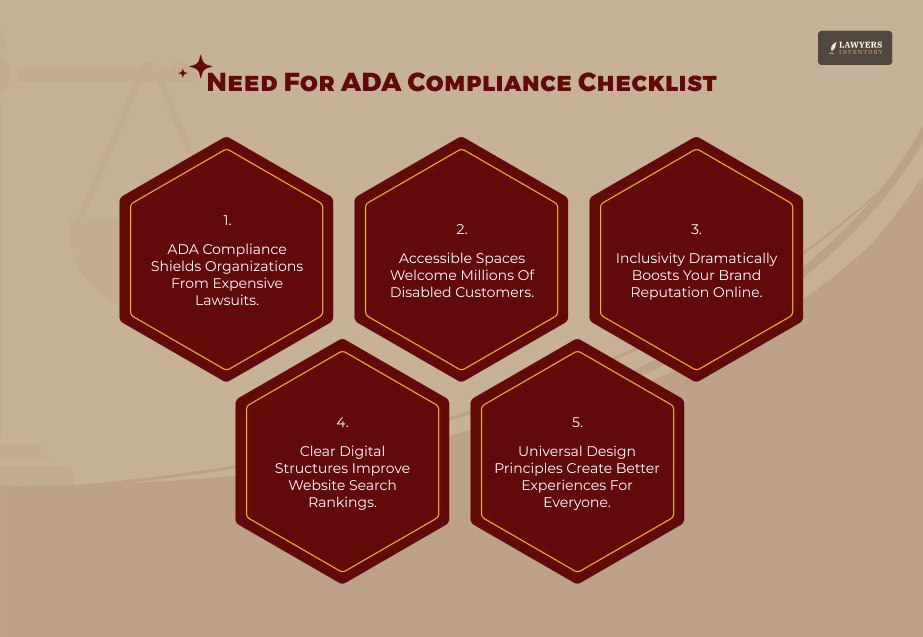
An ADA compliance checklist saves businesses from expensive lawsuits. It also guards them against legal penalties.
Besides that, it makes the audit process smoother at the beginning. It achieves this by discovering structural and digital problems early.
Above all else, it gives individuals with disabilities equal opportunities. They get the same full use of goods and services as people without disabilities.
This fosters goodwill in the community. Finally, it illustrates the business’s legal obligation and showcases the company’s ethical values.
Most ADA compliance checklists online cover one slice of this – physical spaces, or websites, or employment – without explaining which rules actually apply to your situation.
Here’s a fuller picture, organized the way a legal risk assessment would be.
ADA Compliance Checklist: Which Part Of The ADA Applies To You?
The Americans with Disabilities Act isn’t one rule. It’s five titles, and most businesses only need to worry about two or three of them.
Title I governs employment. It applies to private employers with 15 or more employees and requires reasonable accommodations for qualified employees and applicants with disabilities.
Title II governs state and local government entities – public schools, courts, transit agencies, city websites.
Title III governs “places of public accommodation,” a broad category that includes retail stores, restaurants, hotels, medical offices, and, based on a growing body of case law, many business websites.
Title IV addresses telecommunications relay services, and Title V contains miscellaneous provisions, including anti-retaliation protections.
Knowing which title applies to you determines almost everything else on this checklist, because the legal standards – and the risk of a lawsuit – differ significantly between them.
Physical Accessibility Checklist
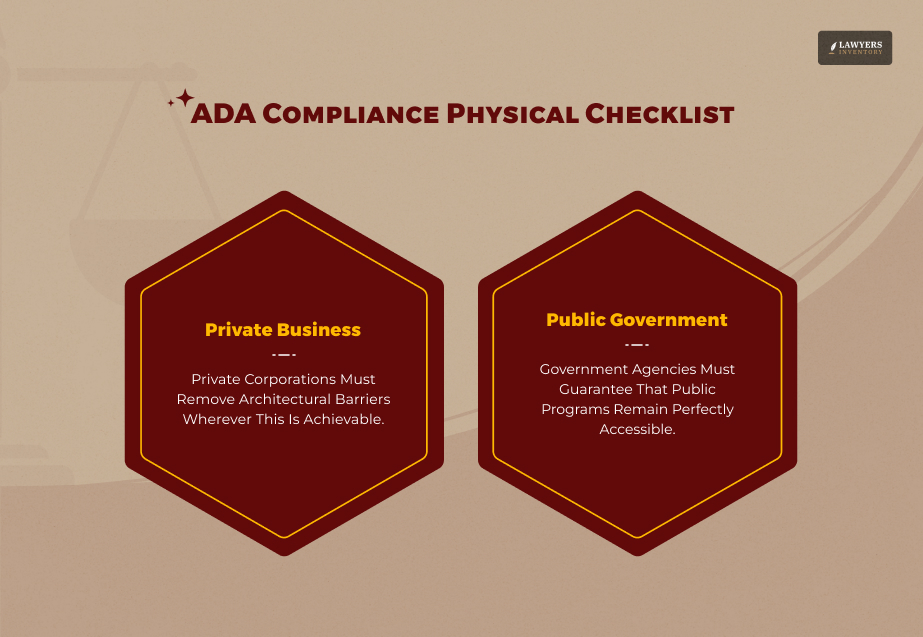
Physical access is the oldest and most established part of ADA compliance, and it remains a major source of legal exposure for both businesses and government entities.
For Places Of Public Accommodation (Title III)
Confirm accessible parking spaces meet required dimensions and are located on the shortest accessible route to the entrance.
Check that entrances, aisles, and pathways are wide enough for a wheelchair and free of obstructions.
Verify at least one accessible route connects the entrance to all public-use areas, including restrooms.
Confirm counters, checkout aisles, and service areas have an accessible portion at the required height.
Check that restrooms meet grab bar, turning radius, and fixture height requirements. Ensure signage includes appropriate tactile and Braille elements where required.
The ADA distinguishes between two things:
- New construction, which must fully meet current design standards.
- Older facilities, which must remove barriers where “readily achievable” – accomplishable without significant difficulty or expense.
Older facilities aren’t automatically exempt just because they predate the law.
For State And Local Governments (Title II)
Ensure your public buildings, parks, and facilities comply with federal “program accessibility” standards. In some cases, you do not need to retrofit every single structure. You can achieve compliance by offering the service at an alternative, fully accessible location.
Next, evaluate all polling places using the official ADA Checklist for Polling Places created by the Department of Justice. This review must specifically verify the accessibility of your:
- Parking lots.
- Building entrances.
- Voting equipment.
Confirm that facilities used for public meetings, hearings, and community events are accessible.
Government entities face a different legal standard than private businesses – program accessibility rather than the readily-achievable-barrier-removal standard – so the same facility can be evaluated differently depending on who operates it.
Digital And Website Accessibility Checklist
This is where the ADA compliance landscape has shifted the most, and where most existing checklists fall behind.
Private Businesses: No Official Standard, But Real Risk
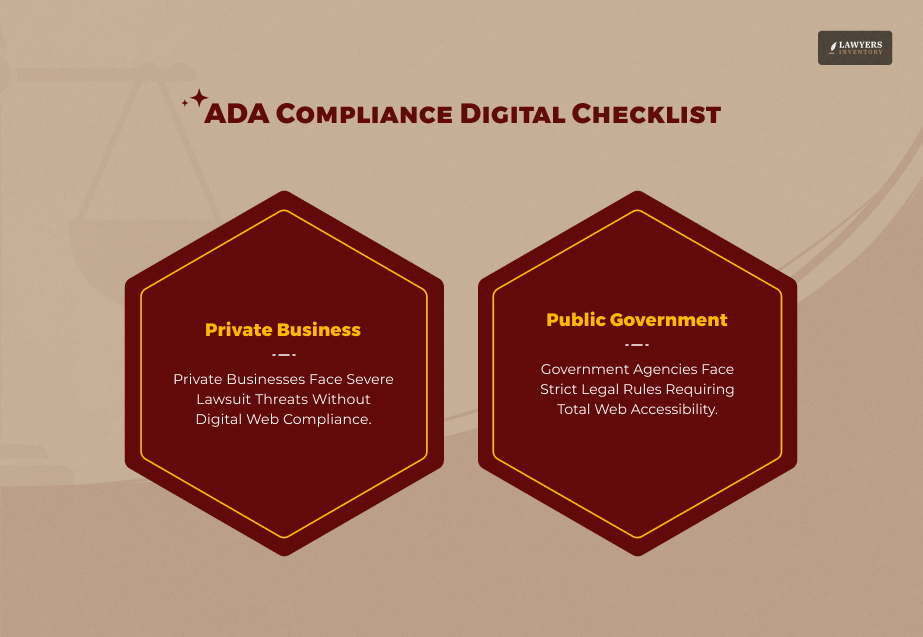
The ADA itself doesn’t name a specific technical standard for private-business websites, and the Department of Justice hasn’t issued a formal Title III web rule the way it has for government entities.
That gap doesn’t mean the risk is low.
Courts have consistently applied Title III’s public-accommodation requirements to business websites. And Web Content Accessibility Guidelines (WCAG) 2.1 Level AA has become the de facto benchmark judges and plaintiffs’ attorneys point to.
According to litigation tracking from the law firm Seyfarth Shaw, plaintiffs filed more than 3,100 website-accessibility lawsuits under Title III in federal court in 2025, a 27% jump from the year before, and website claims now make up over a third of all Title III filings.
Run your website against WCAG 2.1 Level AA criteria, covering text alternatives for images, keyboard navigability, sufficient color contrast, and captioning for video content.
Check that forms, checkout flows, and interactive elements work with screen readers and keyboard-only navigation.
Confirm PDFs and downloadable documents are tagged and readable by assistive technology.
Review mobile apps against the same standard, since courts increasingly treat mobile accessibility the same way they treat website accessibility.
State and Local Governments: WCAG 2.1 AA Is Now Mandatory
Unlike Title III, Title II now has an explicit, binding technical standard.
The DOJ’s 2024 final rule requires state and local governments to make web content and mobile apps conform to WCAG 2.1 Level AA. [Source: ADA Department of Justice]
Compliance dates were extended in 2026: governments serving 50,000 or more people must comply by April 26, 2027. As per the Interim Final Rule (IFR) published on April 20, 2026, smaller and special district governments have until April 26, 2028. [Source: Federal Register]
Identify every website, web application, and mobile app your government entity operates or contracts out to a third party, since vendor-run content is still your responsibility under the rule.
Prioritize current, actively used content first – the rule includes narrow exceptions for certain archived material and pre-existing documents, but nothing that’s still in active use.
Document your compliance timeline and testing process, since the rule expects ongoing conformance, not a one-time fix.
Employment Accessibility Checklist (Title I)
Certain aspects related to employment compliance may not draw as much attention as physical or digital access, but they also come with their own unique legal commitments.
Ensure that your way of recruiting – including the interview – is accommodating enough not only for candidates but even for those with disabilities.
Employees shall be granted the right to ask about accommodations, and employers are obliged to keep a good record of how accommodation requests are assessed.
It is important for the manager and members of the HR team to be able to deal with requests for accommodations without asking for any sort of additional medical information than that necessary.
Check job descriptions to clearly identify the roles that cannot be reasonably adjusted (i.e., the key ones) to be clear about what is expected since the requirement to accommodate hinges first and foremost on the nature of the function.
Obligations related to reasonable accommodation will have been waived if they put the employer into an undue hardship situation where the cost, resources, operational impact, etc. would prevent carrying out the request.
What Happens If You’re Not Following The ADA Compliance Checklist
The consequences vary sharply by title, by state, and by whether a case reaches a courtroom at all.
For website and physical access under Title III, the typical path starts with a demand letter from a plaintiff’s attorney, often before any lawsuit is filed. Many of these resolve privately.
Those that do reach federal court can result in injunctive relief requiring fixes and an award of attorneys’ fees. The federal ADA itself doesn’t provide monetary damages for Title III claims, but state laws can add them on top.
California’s Unruh Civil Rights Act is the most consequential example: it treats any ADA violation as an automatic Unruh Act violation, carrying minimum statutory damages of $4,000 per violation, no proof of actual harm required.
That combination is a major reason California accounts for roughly 42% of ADA-related litigation nationwide, despite holding a much smaller share of the country’s businesses.
For Title II government entities missing the new web accessibility deadlines, enforcement can come through the Department of Justice directly or through private lawsuits.
For Title I employment violations, remedies typically run through the Equal Employment Opportunity Commission and can include back pay, reinstatement, and damages.
If You Receive a Demand Letter
A demand letter isn’t a lawsuit, but it shouldn’t be ignored or treated as boilerplate. Read it carefully for the specific barriers alleged, and resist the urge to quietly fix the issue without any documentation.
A silent fix can still leave you exposed for the violation as it existed at the time of the visit or complaint, and in states like California, corrections made within 30 to 60 days can meaningfully reduce statutory damages, but only if handled properly.
Get an attorney who handles accessibility claims involved before responding, since an early, informal reply can end up being used against you later.
Start documenting your remediation efforts immediately regardless of how you plan to respond, since that record matters whether the matter resolves privately or heads toward litigation.
Common ADA Compliance Myths
A few misconceptions drive a lot of the confusion behind this topic, and believing them can leave a business more exposed, not less.
“An Accessibility Widget Or Overlay Makes My Site Compliant.”
Automated overlay tools claim to fix accessibility bugs with a single line of code. However, these tools frequently trigger expensive lawsuits.
They fail to fix the root causes of accessibility issues and often break the very assistive technologies they promise to support.
Use these automated tools only as a minor part of your overall remediation effort. They can never replace the essential work of directly editing your code and content.
“My Business Is Too Small To Be Covered.”
Title III has no employee-count or revenue threshold – it applies to any business open to the public, regardless of size. Title I’s 15-employee threshold applies specifically to employment claims, not physical or digital access.
“If My Building Is Old, I’m Grandfathered In.”
The ADA is a civil rights law, not a building code. Older facilities still have to remove barriers where it’s readily achievable, even without a full renovation.
“No One Has Complained, So I Must Be Fine.”
Compliance obligations exist independently of whether anyone has raised an issue. Waiting for a demand letter to find the gaps is a considerably more expensive way to learn.
Tax Incentives That Can Offset Compliance Costs
High costs often stop businesses from acting on accessibility checklists. Fortunately, federal tax regulations offer excellent financial relief, especially for tiny enterprises.
Qualified small businesses can claim the Disabled Access Credit under Section 44 of the Internal Revenue Code. Your business qualifies if you have 30 or fewer full-time employees or earn less than $1 million in annual gross revenues.
This tax benefit covers 50% of eligible accessibility expenses between $250 and $10,250 within a single calendar year. Consequently, your company can secure a maximum annual credit of $5,000. [Source: Legal Information Institute]
Additionally, businesses of any size can leverage Section 190. This provision allows you to deduct up to $15,000 yearly for removing architectural and transportation barriers.
The two can often be combined for the same project, and both are worth raising with a tax professional before assuming compliance upgrades are cost-prohibitive.
[Note: The standard Section 44 credit rate is historically 50% of eligible expenditures rather than 40%].
How To Actually Get Compliant: Practical Next Steps
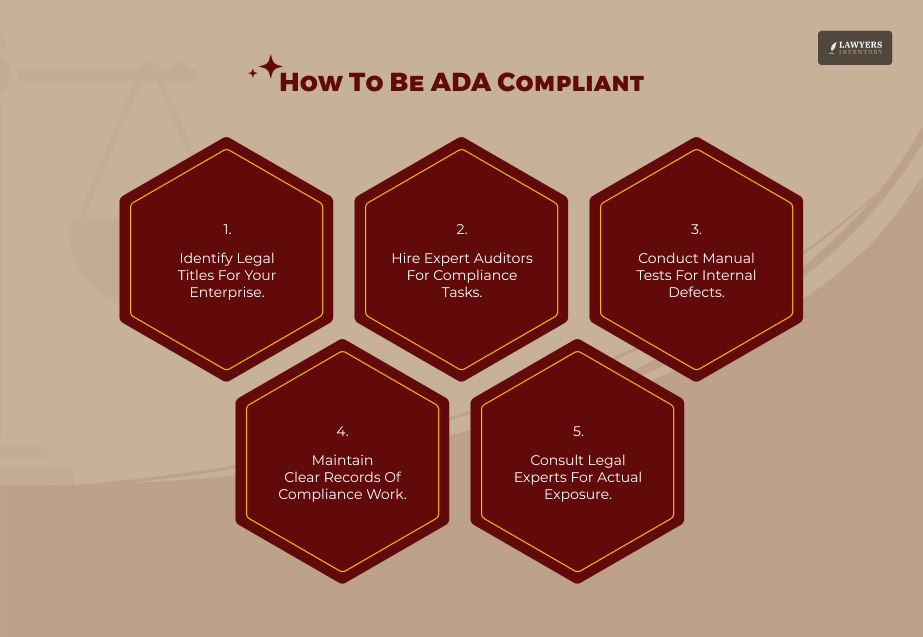
Identify your entity’s titles as your first step. This selection determines which sections of the checklist apply directly to your organization.
Next, hire an accessibility audit professional to evaluate your physical space, digital assets, or both. These experts uncover critical gaps before you receive a formal demand letter. Computer-assisted testing tools can detect basic WCAG issues.
However, automated software misses many flaws. Individuals using assistive technology must perform manual checks to find those hidden errors.
Document every compliance effort by maintaining detailed records of all audits, corrections, and policy changes. If you face litigation, courts heavily favor a clear record of good-faith actions, even if the records cannot fully shield your business.
Consult an accessibility attorney immediately if you cannot confirm your legal standing. Only a specialized attorney can pinpoint your specific exposures and mitigate them based on actual legal risks. Do not rely on outdated audits. Accessibility regulations change constantly, meaning a strategy from 2022 likely contains gaps that you must investigate and resolve today.
Leave A Reply







Equifax Breach Settlement: Your Guide To Claims And Payouts
Read More
How to Get a Credit Card Lawsuit Dismissed [According to Experts]
Read More
Zyn Lawsuit 2026: The Full Legal Picture Behind The Nicotine Pouch Controversy
Read More
How The Kennedy Funding Lawsuit Rewrote The Rules Of Commercial Lending
Read More
The Paragard Lawsuit: A Deep-Dive Evidentiary Guide To MDL 2974
Read More
0 Reply
No comments yet.